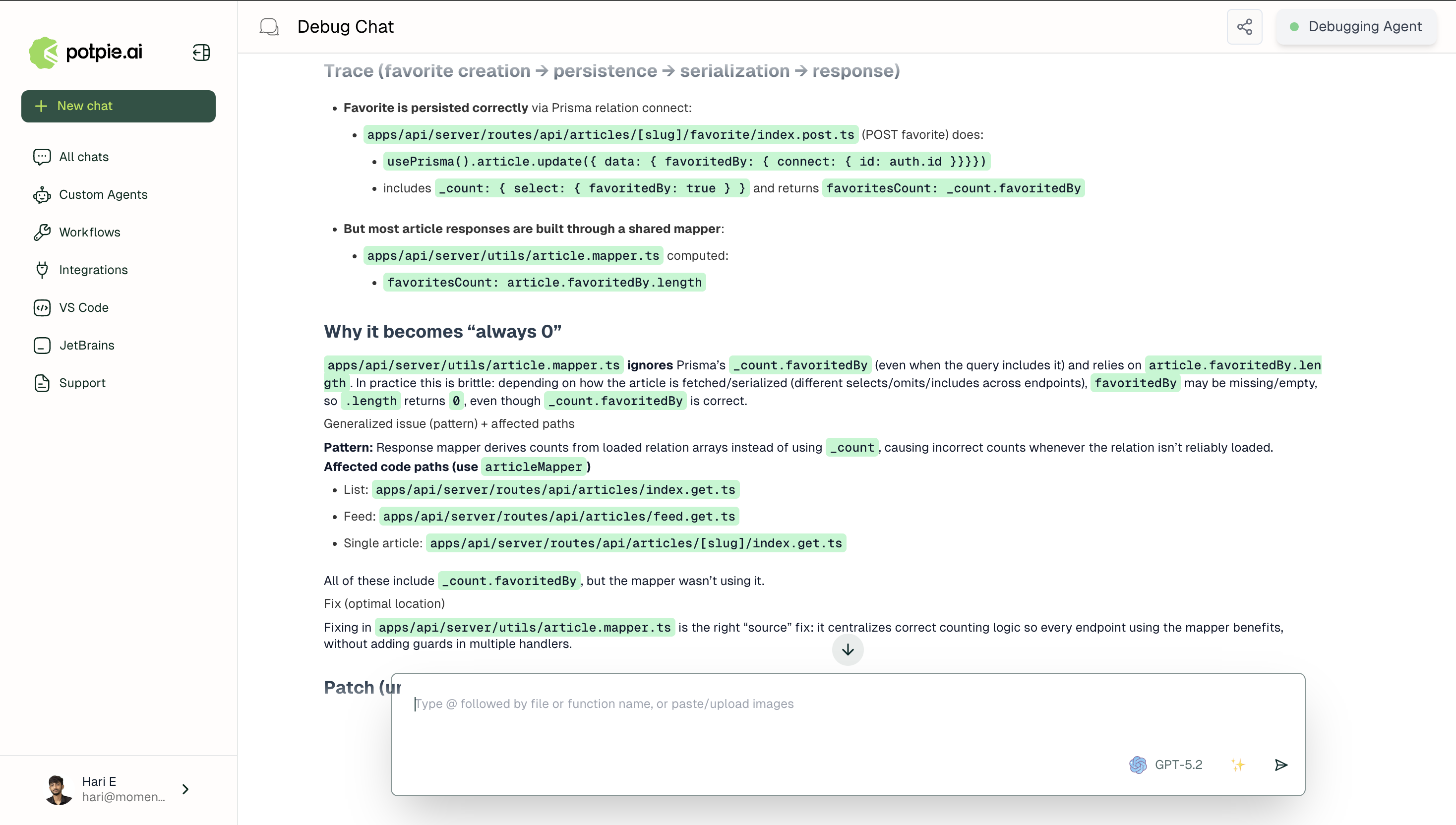
In this tutorial, you’ll learn how to use Debug in Potpie to trace a reported issue to its origin in the knowledge graph and get a fix at the source, not a symptom patch.To understand how Debug works, see the Debug mode page.
1
Describe the issue
Paste an error message, stack trace, or describe the unexpected behavior. Include any context about when it occurs.
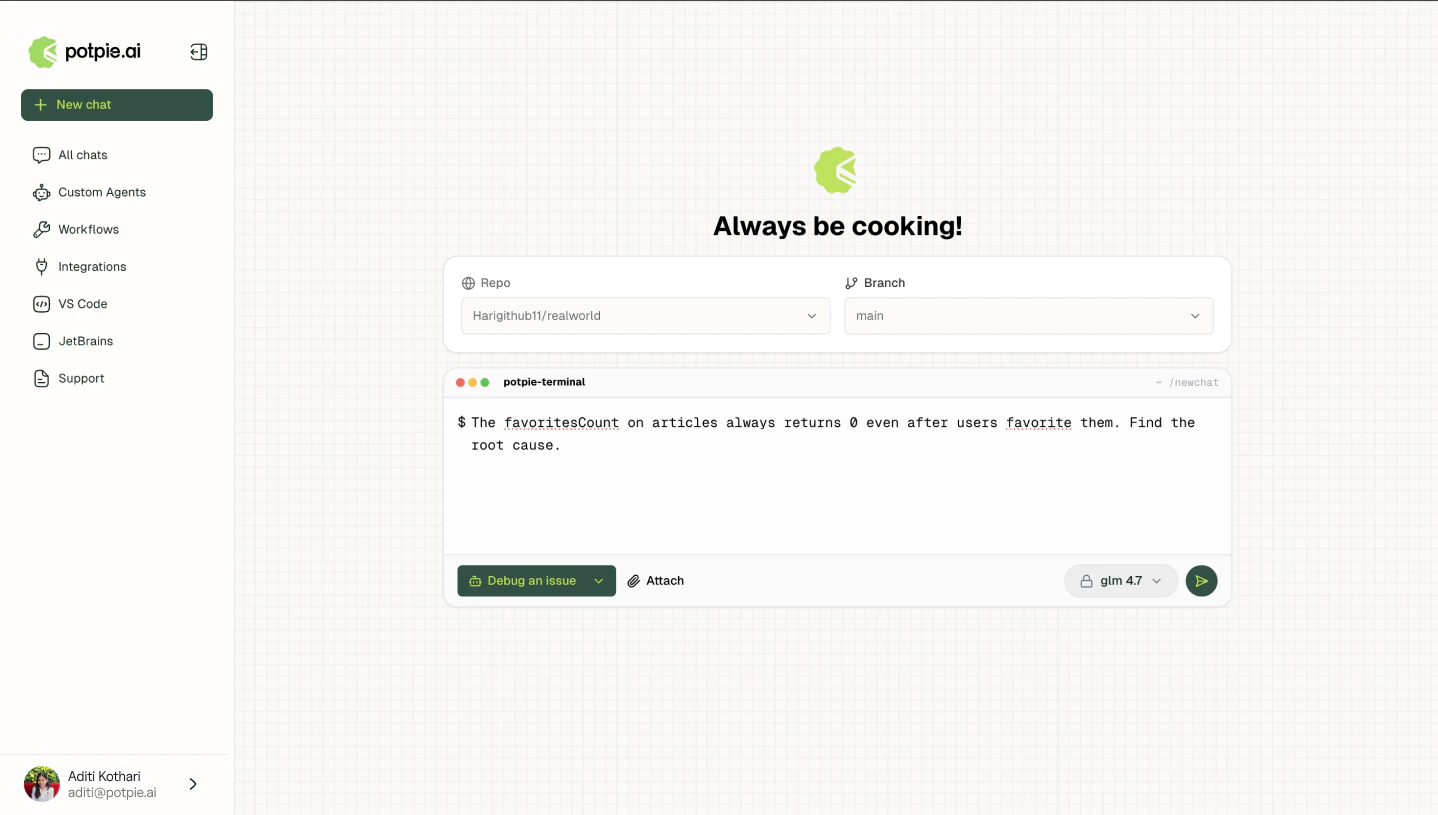
Follow up messages within the same session retain full context. Start with a high-level symptom and narrow to the root cause across subsequent turns.
2
Bug analysis
The Debug Agent applies its eight step methodology automatically: validating the behavior, traversing code paths, pinning the root cause, and generating a targeted fix.