Potpie home page
Search...
⌘K
GitHub
Discord
Support
Search...
Navigation
Tutorials
Generate an API Key
Documentation
Reference
Get Started
Overview
Quickstart
Concepts
Parsing
Inference
Knowledge Graph
Tutorials
Ask Your Codebase
Build a Feature
Debug an Issue
Build a Custom Agent
Generate an API Key
Modes
Overview
Ask
Build
Debug
Platform
Forge
Specialists
Recipe
Trace
Developer
API Access
Pre-built Agents
Custom Agents
Local Setup
Tools Reference
Example Uses
Overview
Impact Analysis
Code Migration
Auth Flow
Refactor Scope
Rate Limiting
Auth Middleware
Null Pointer
Memory Leak
Race Conditions
Code Review
API Endpoint
On this page
Generating an API Key
Tutorials
Generate an API Key
Ask ChatGPT
Ask ChatGPT
In this tutorial, you’ll learn how to generate an API key in Potpie to authenticate access and interact with any repository, agent, or conversation .
To understand how API access works, see the
API Access page
.
Generating an API Key
1
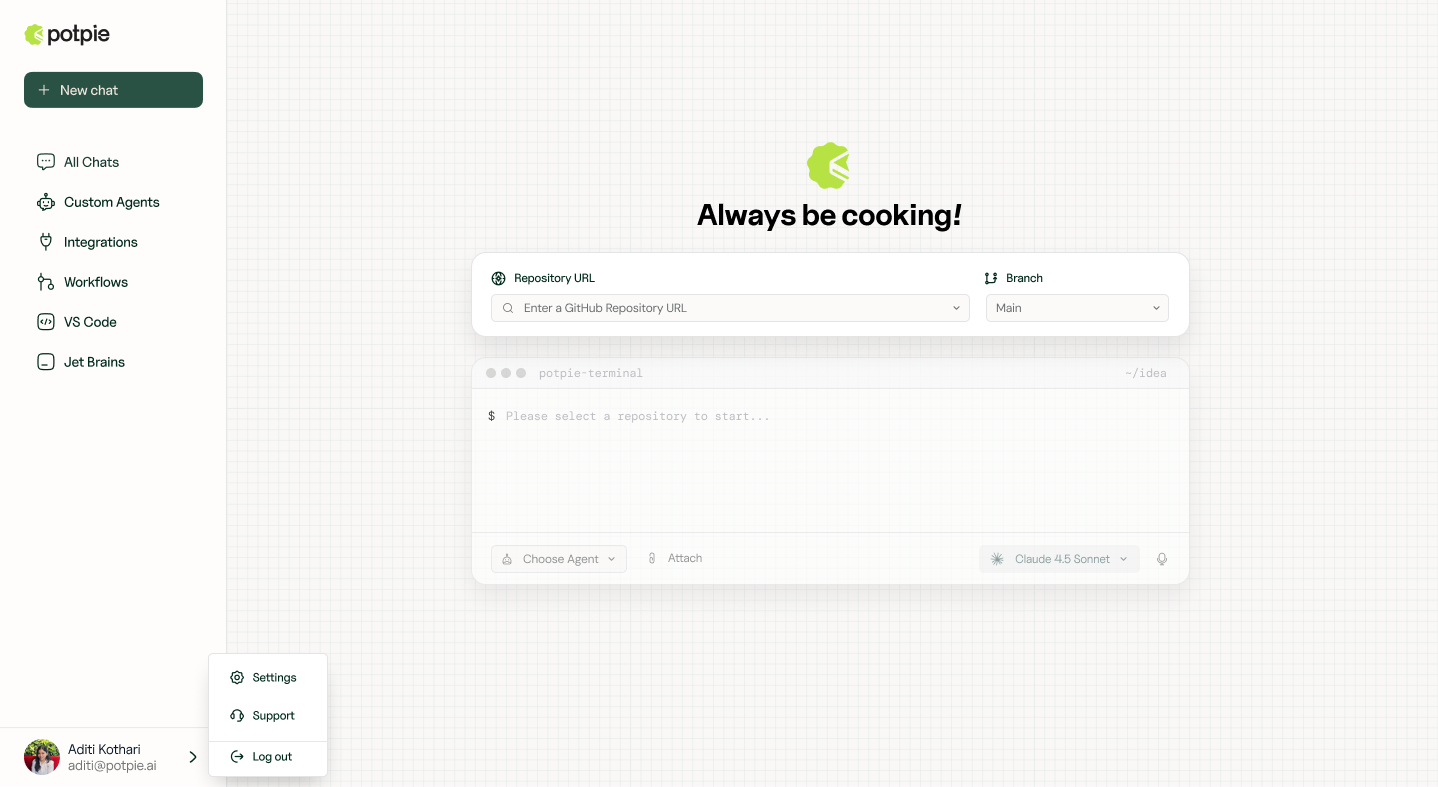
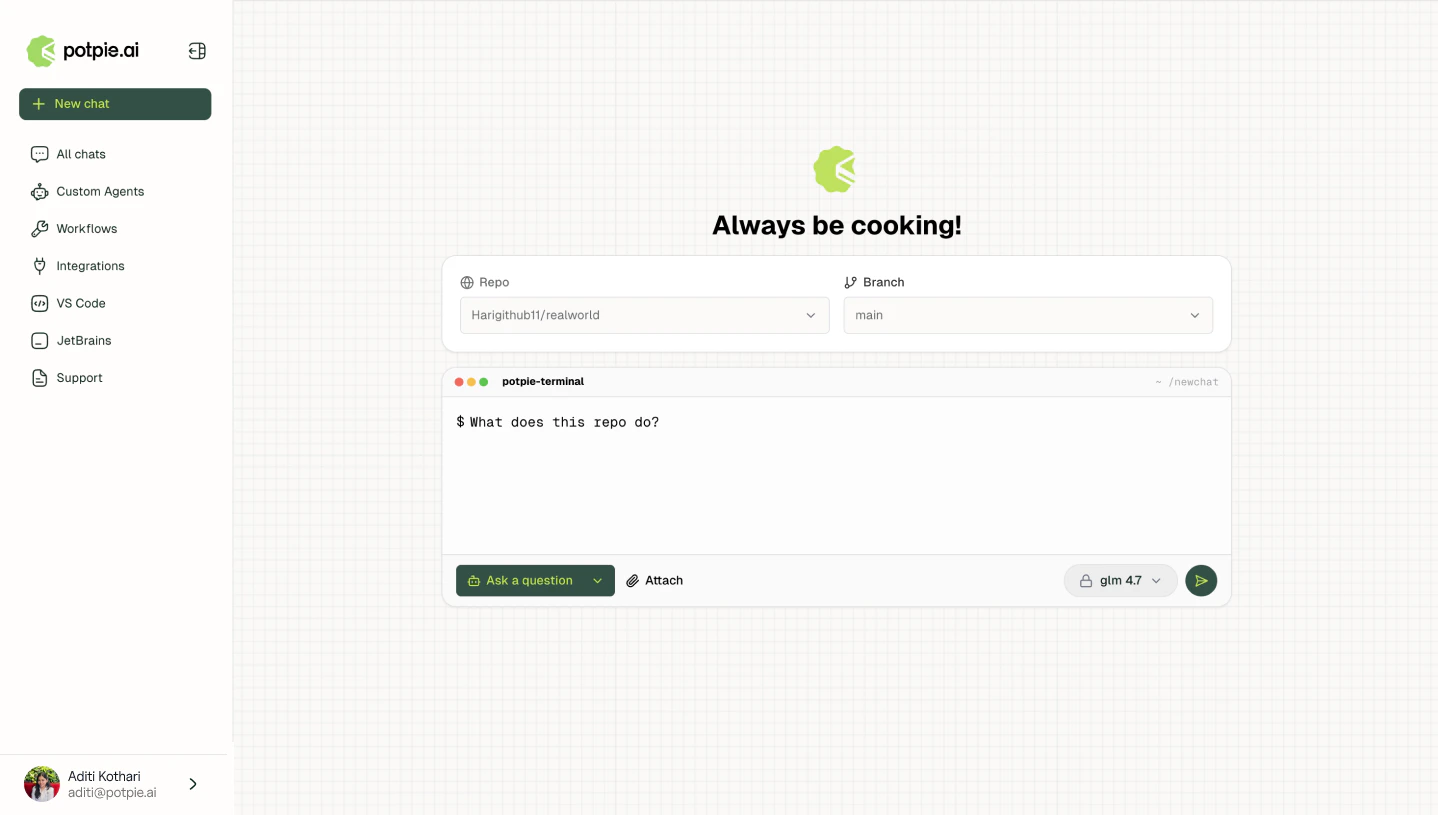
Sign in to the dashboard
Open
Potpie
and sign in.
2
Open Settings
Click the account menu in the bottom-left corner and select
Settings
.
3
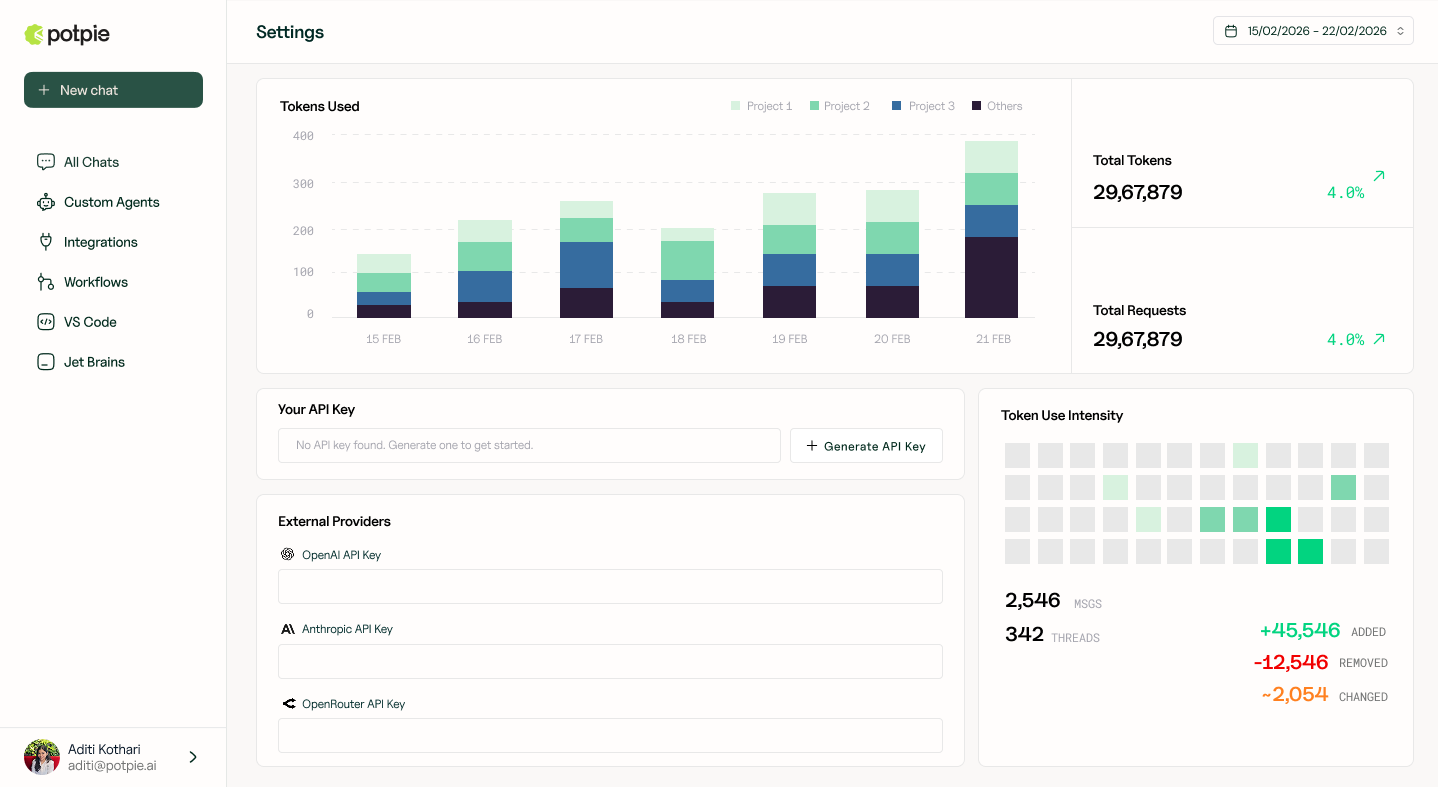
Generate an API key
In the
API Key
section, click
+ Generate API Key
.
4
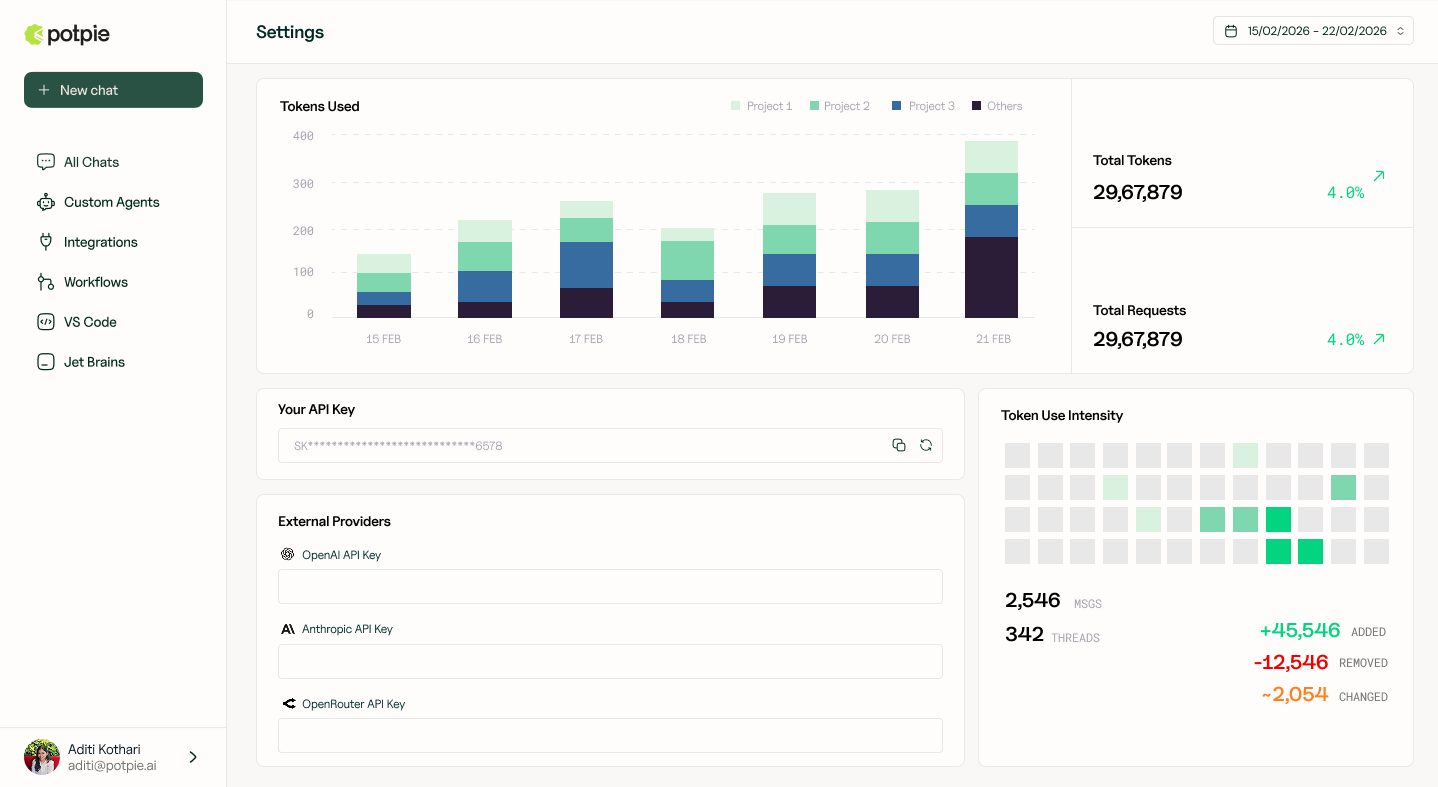
Copy the key
Copy and store the key securely.
Was this page helpful?
Yes
No
Build a Custom Agent
Overview
⌘I