Workflow
1
Describe the feature
Enter a description of the feature for to build.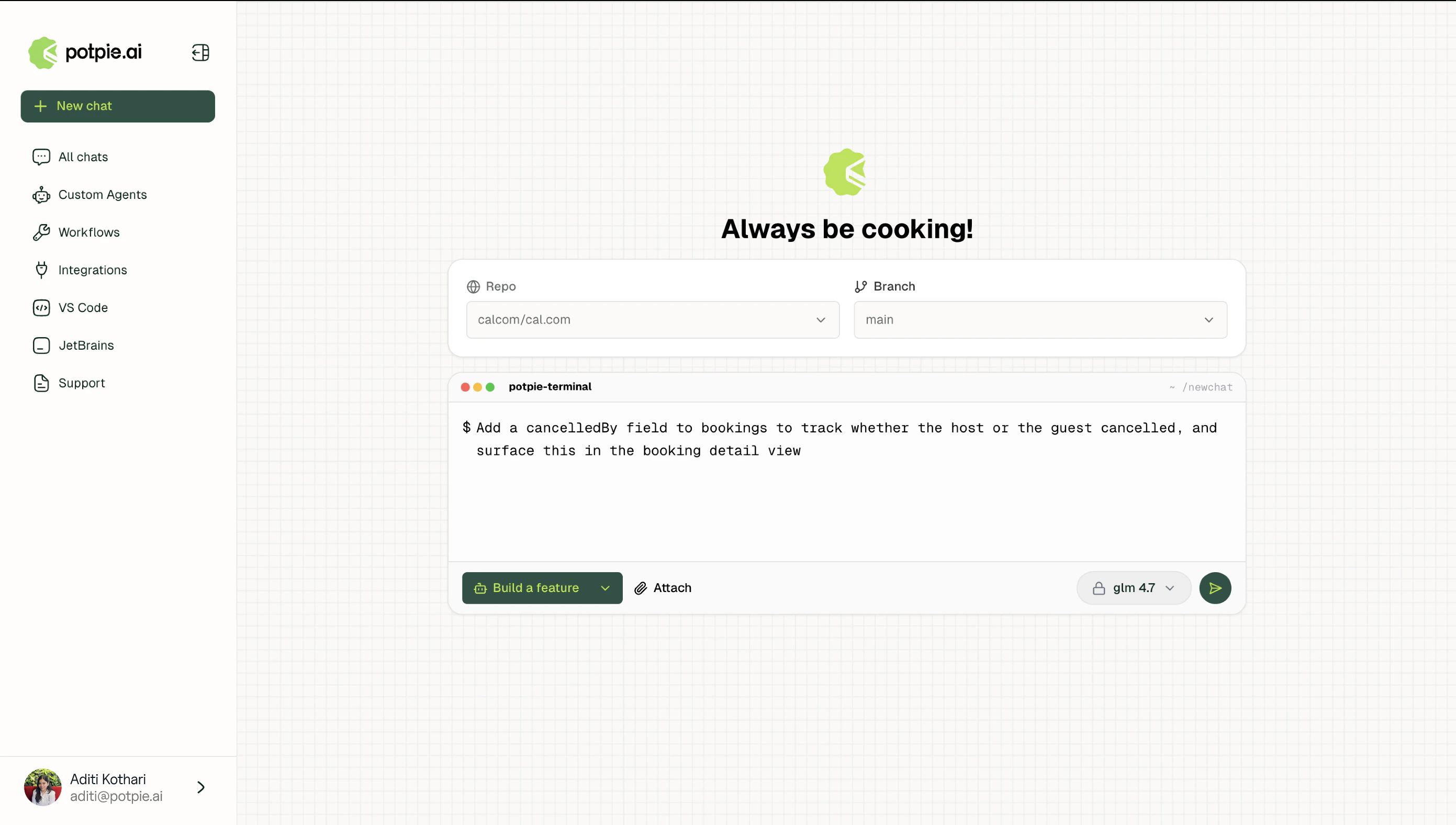
2
Clarifying questions
Potpie surfaces a set of clarifying questions as multiple choice options. Answers lock in the scope and requirements before the specification begins.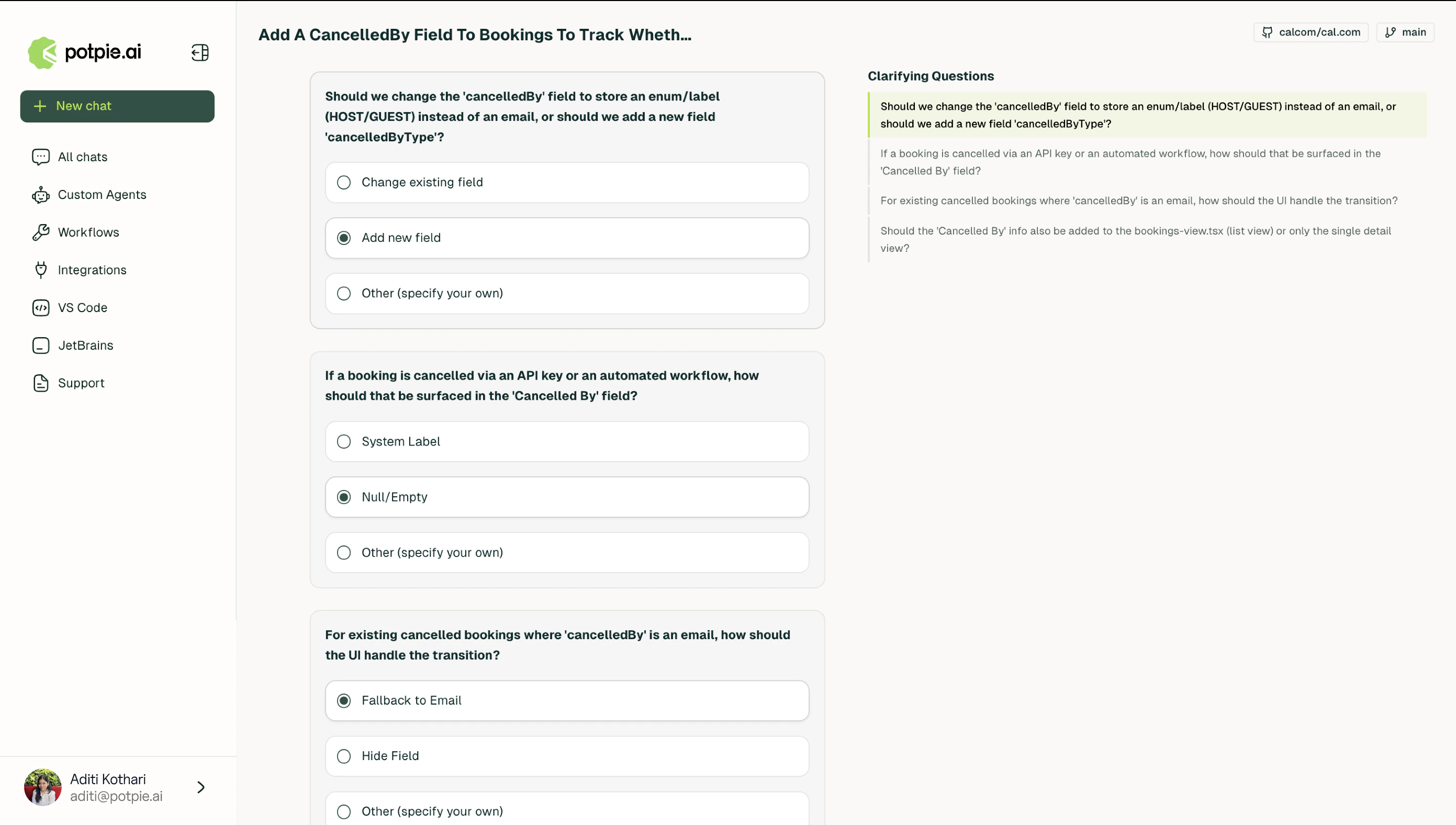
3
Specification
Potpie parses the codebase against the confirmed requirements and generates a specification covering every file to create or modify, implementation details for each change, and dependency relationships between affected components.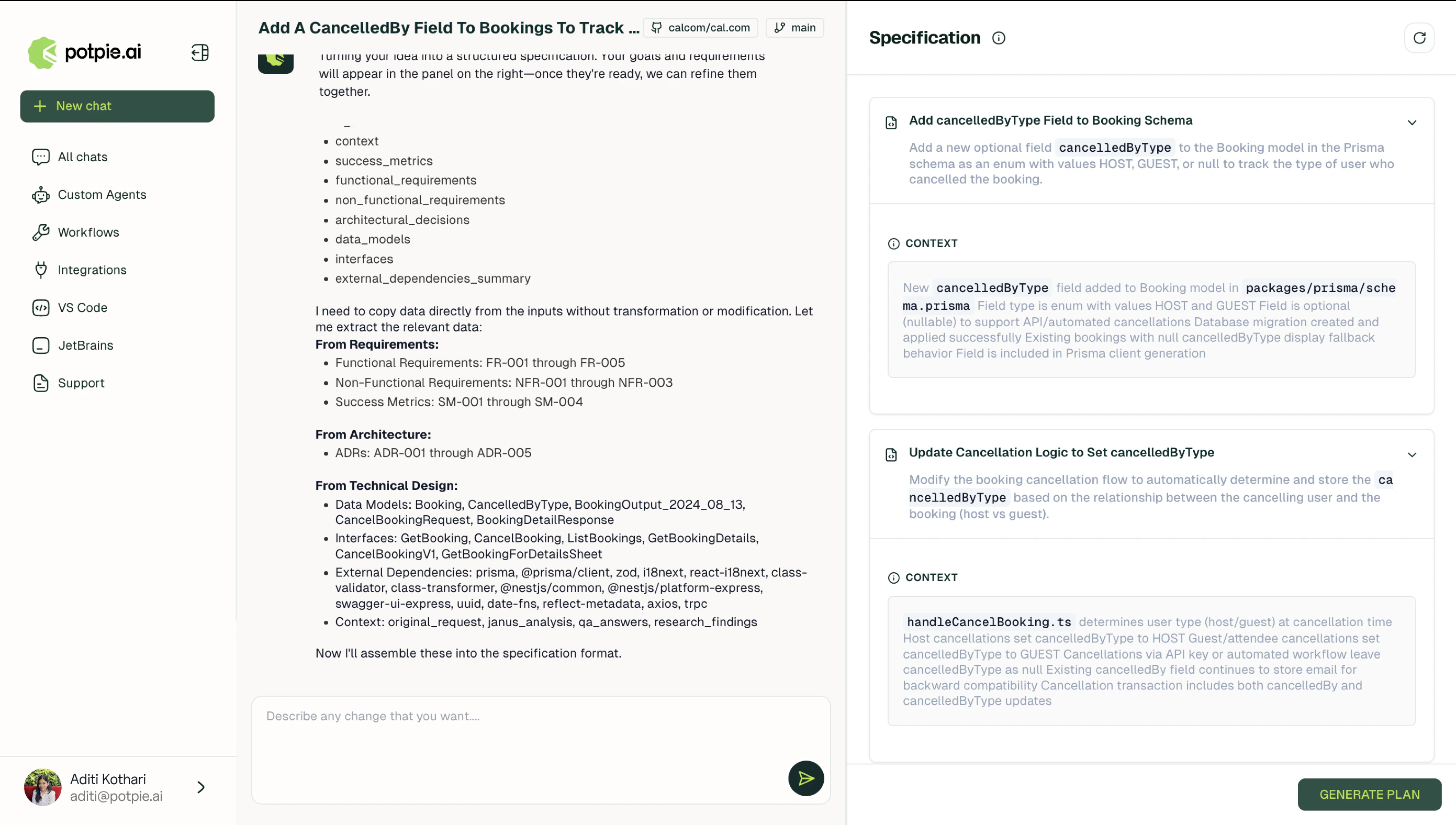
4
Plan
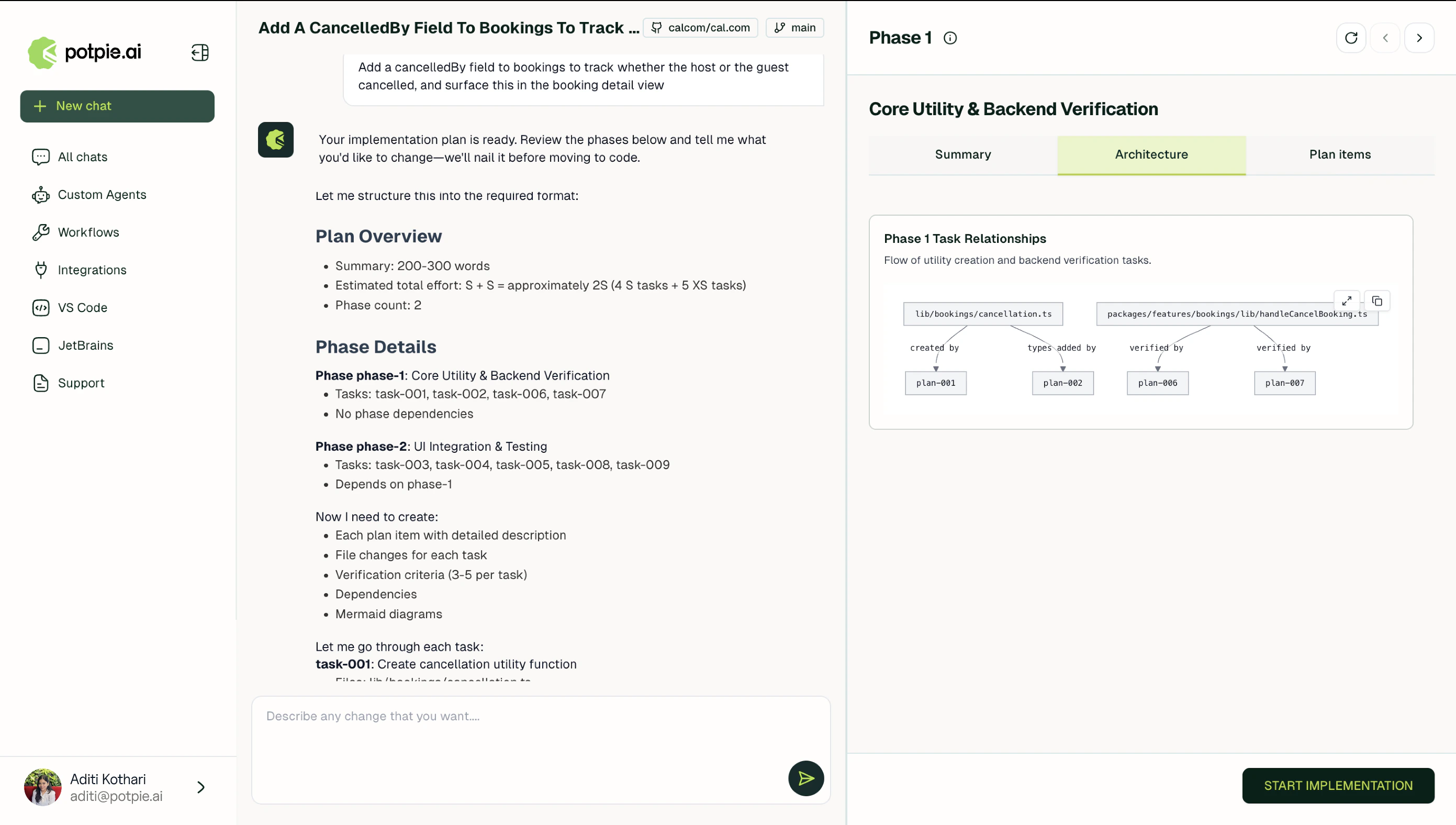
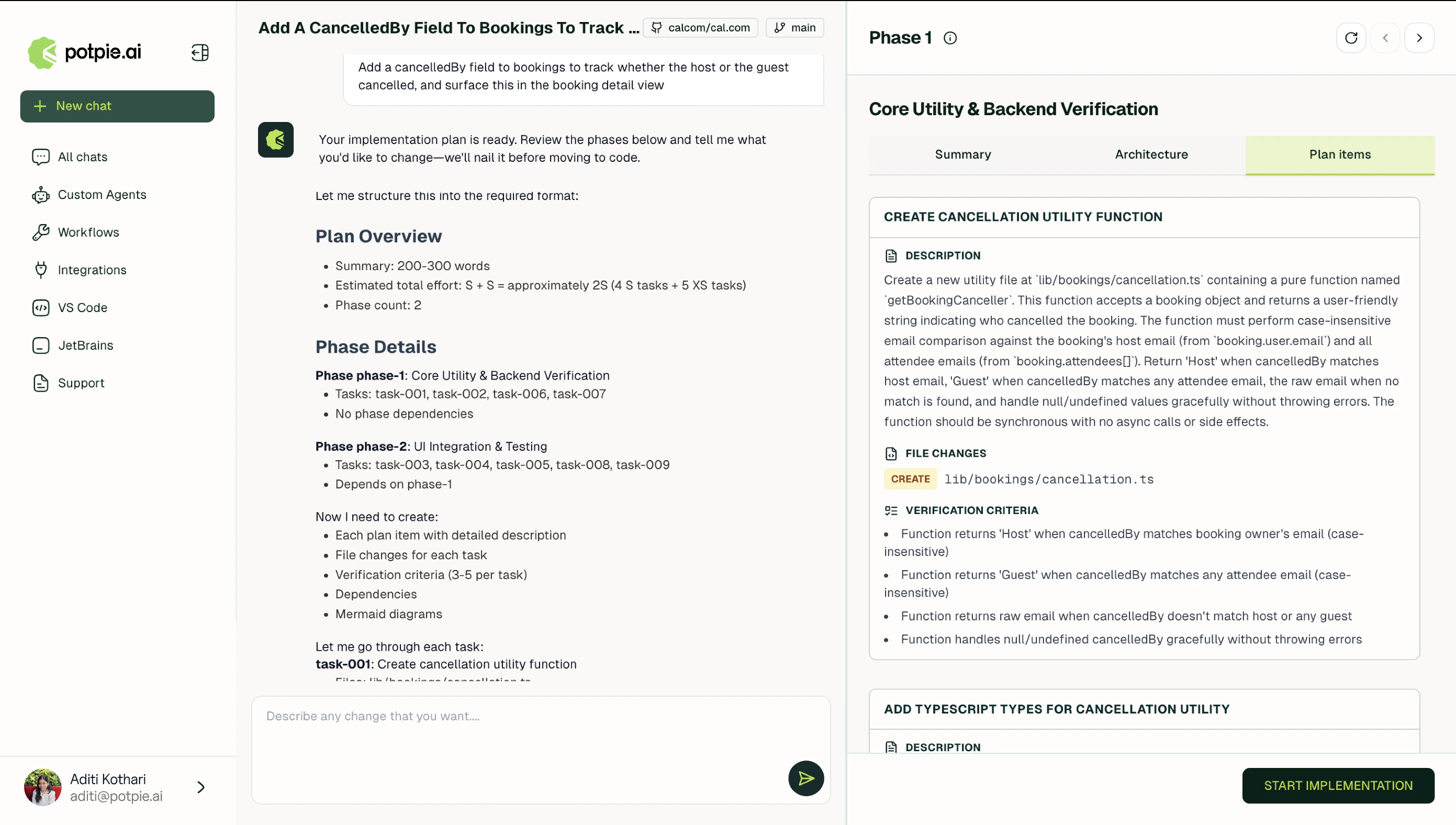
Once the spec is confirmed, Potpie generates a plan.
- Summary
- Architecture
- Plan items
An explanation of what changes, which parts of the codebase are in scope, and how the new code fits the existing system.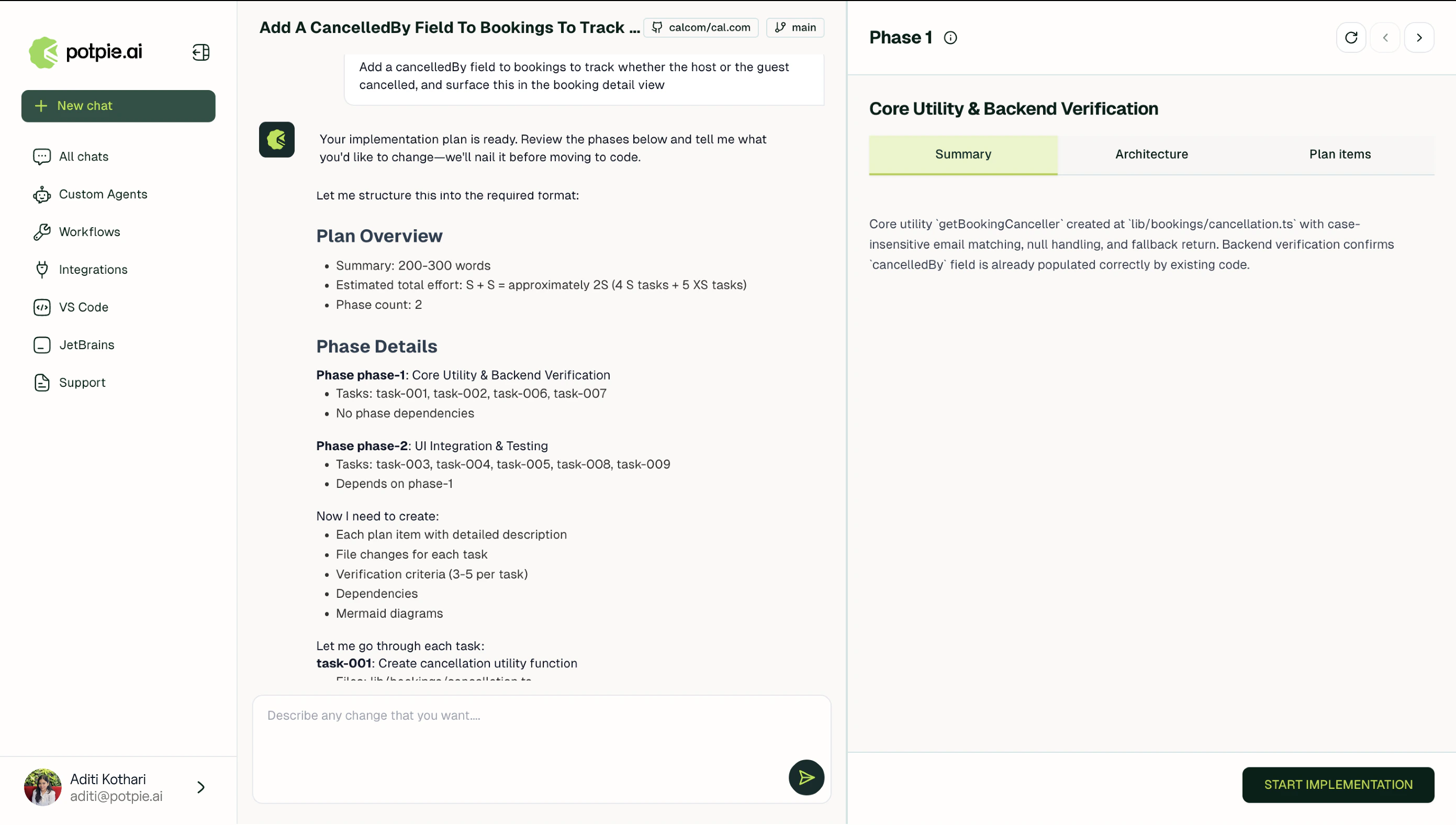
5
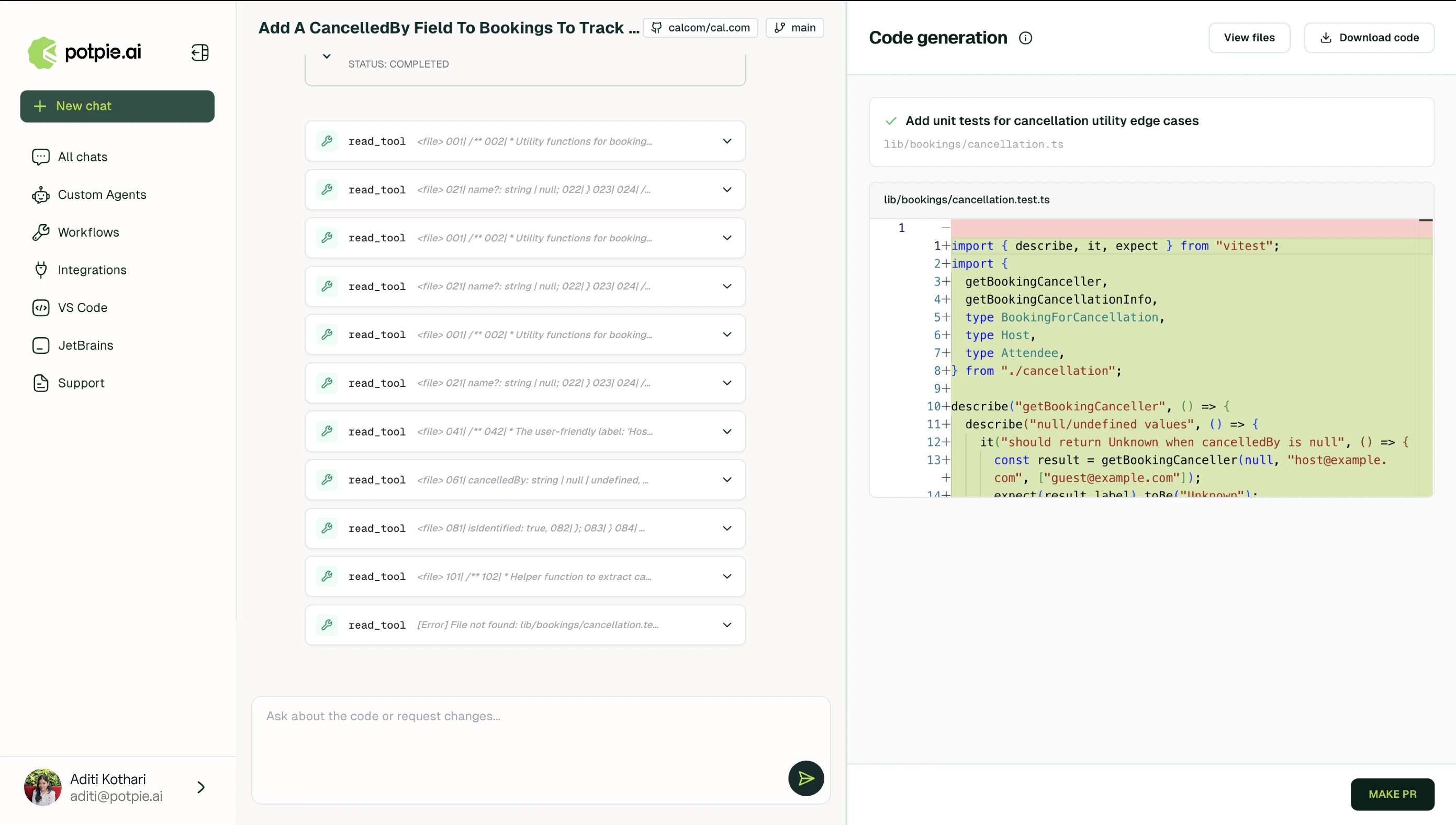
Code generation
Potpie generates the code and presents every change as a diff. Changes match the existing code style and conventions identified during specification.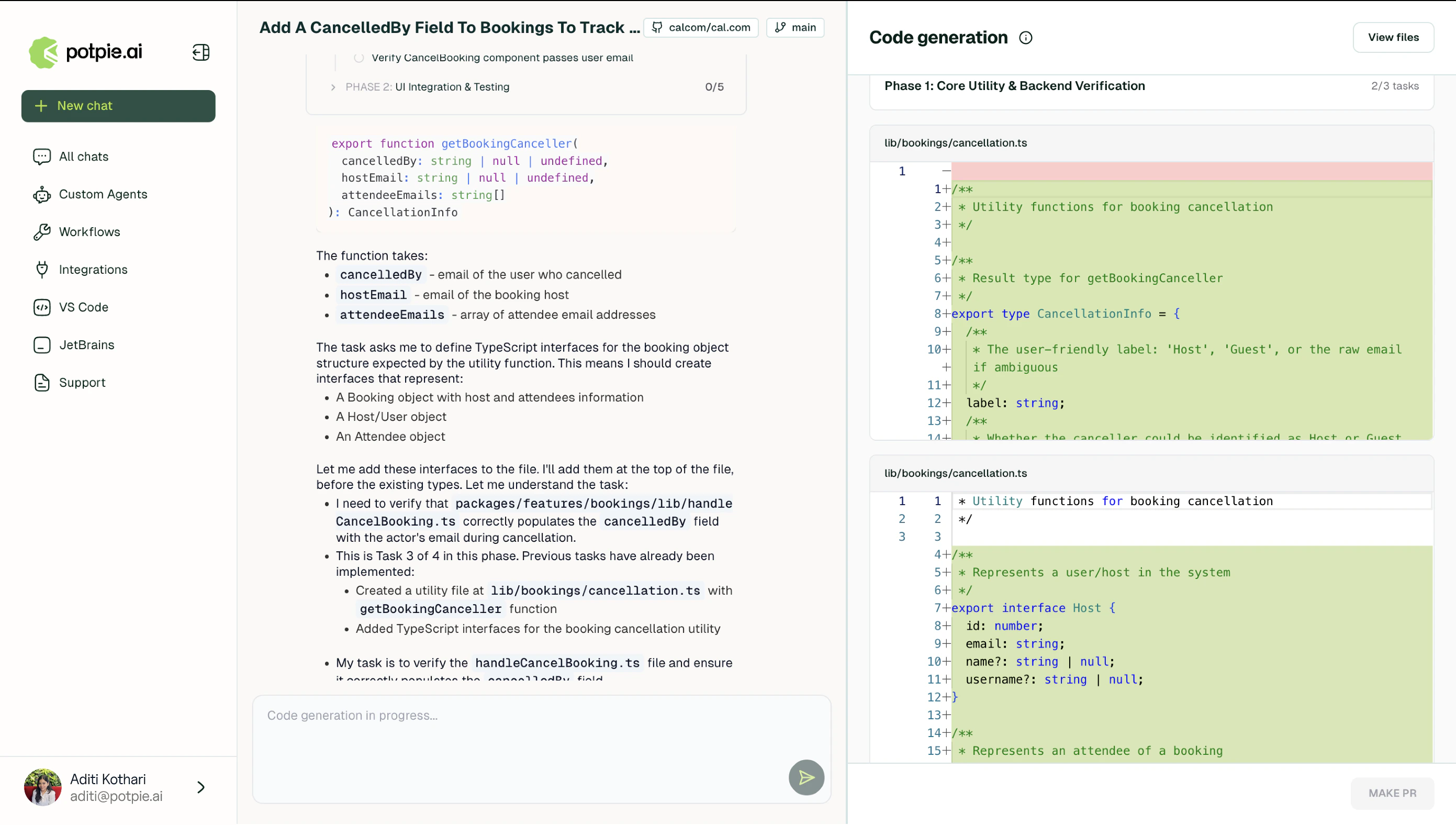
6
Pull request
Clicking Create PR pushes the full diff to the repository.